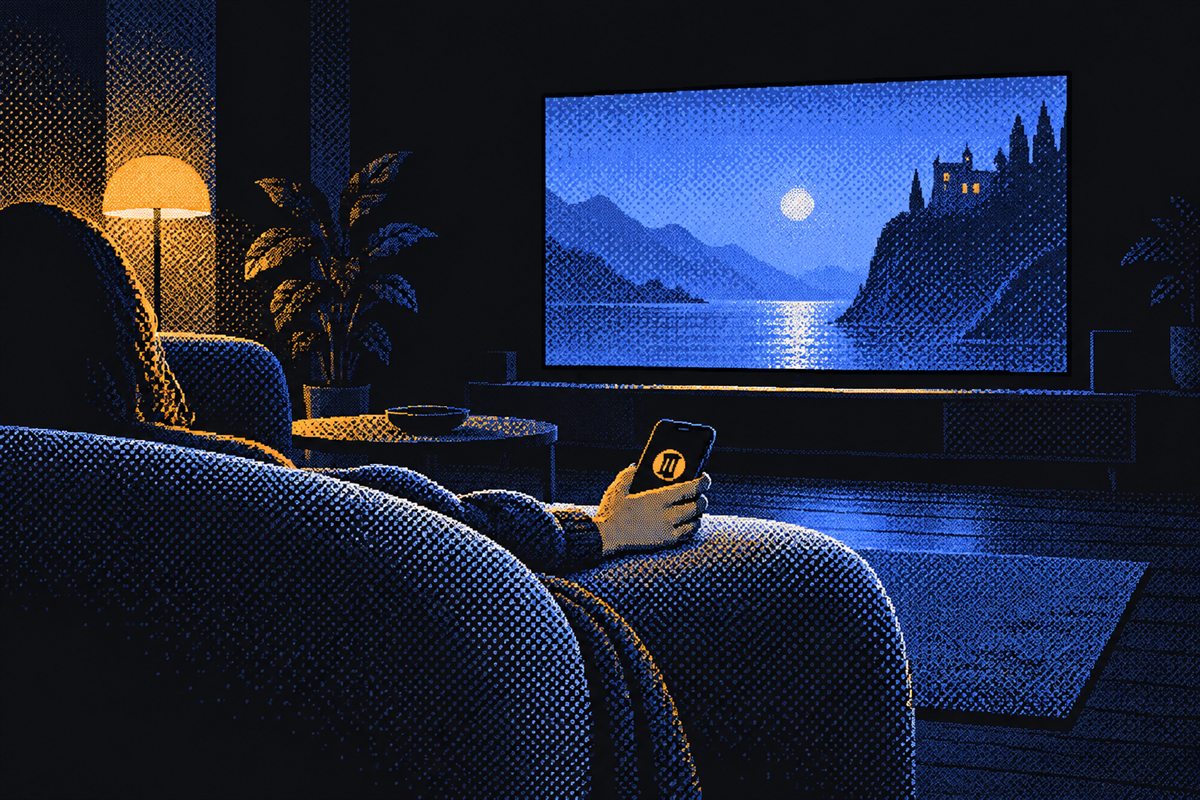
Movie night
The remote your PC never came with.
Play, pause, skip, seek and volume from any app: browsers, players, streaming sites. Big buttons you can hit in the dark.
- Media keys, volume and fullscreen on the first screen
- A touchpad that moves as your finger moves: tap to click, hold to right-click, tap-and-drag to select
- Android app: the phone's own volume buttons control the PC, also with the screen locked
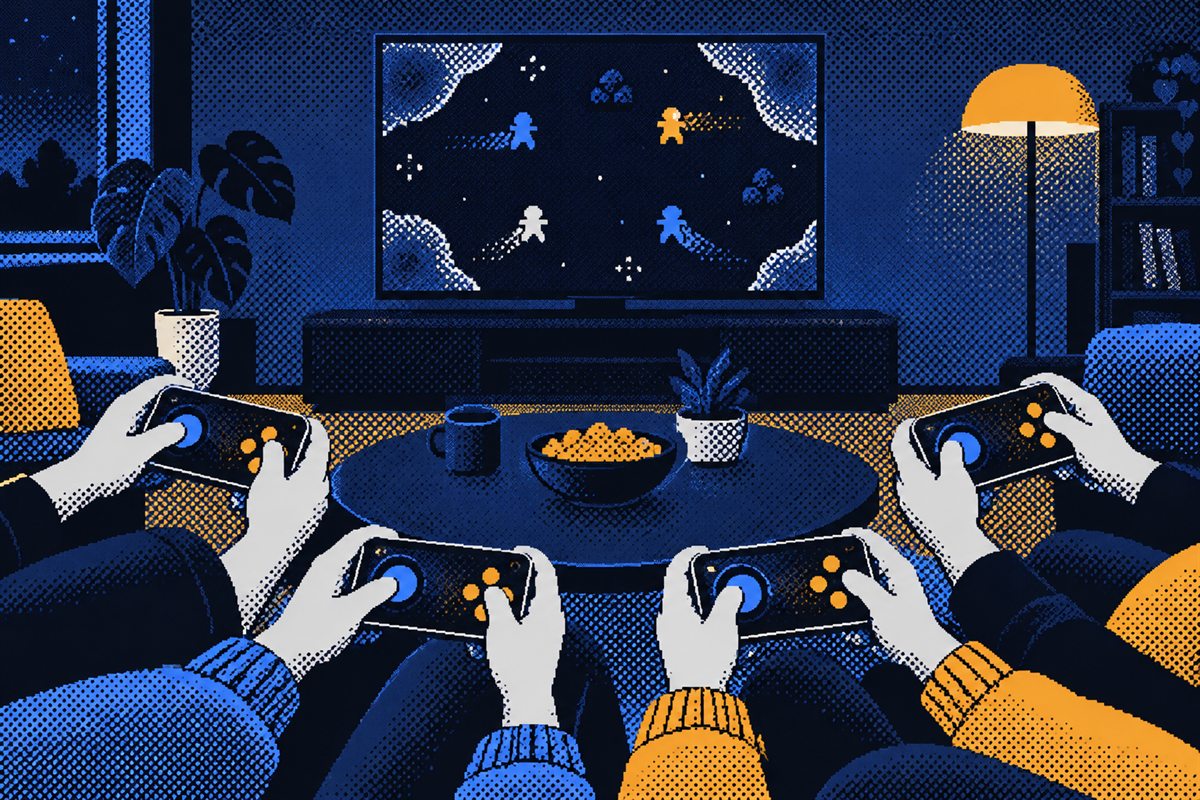
Couch co-op
Every phone is a real controller.
Each phone shows up on the PC as its own Xbox controller, so games, Steam and emulators just see gamepads. Grab a phone each and pick your players.
- Analog sticks, triggers, bumpers, d-pad and ABXY
- Drop out and reconnect within 30 seconds: you keep your player slot
- Windows: the driver it needs comes inside the download. Linux: built into the kernel
- Prefer keyboard and mouse? A WASD + mouse-look layout is built in too
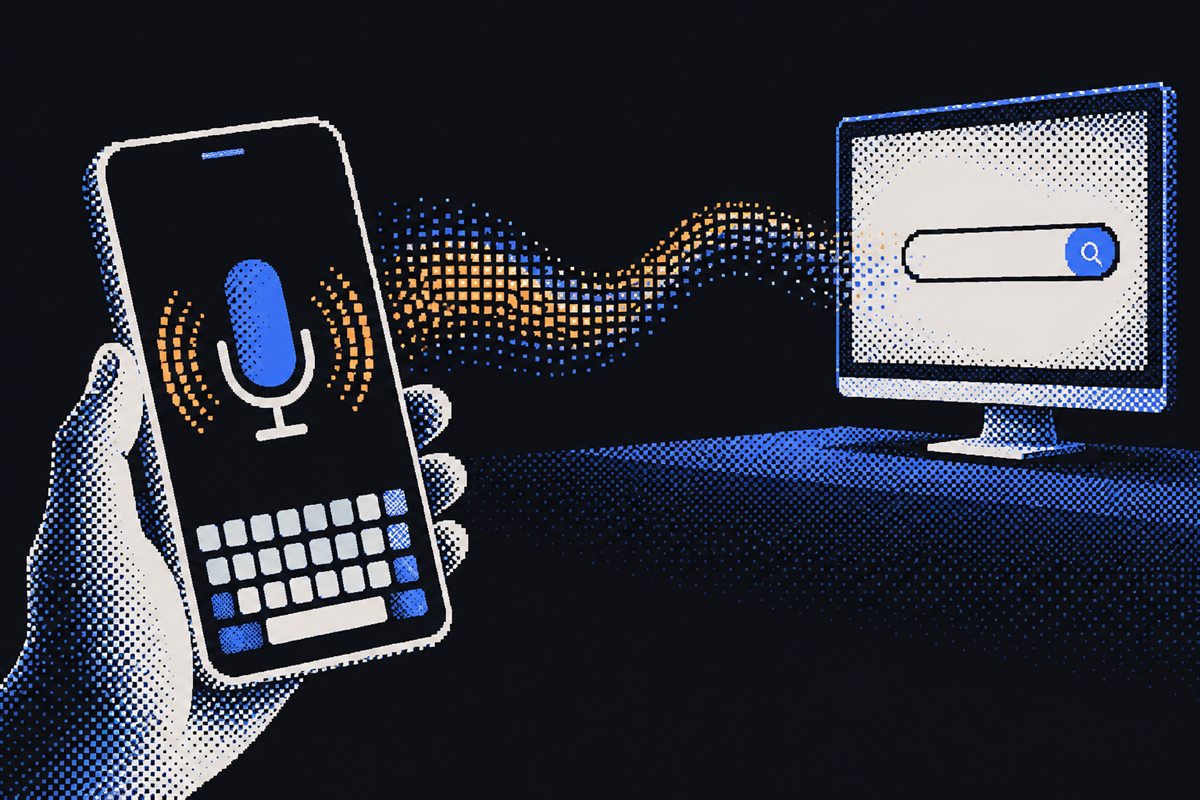
Type or talk
Search without squinting.
Type on your phone's own keyboard and it lands in whatever is focused on the PC. Or tap the mic and just say it.
- Live typing, with a send button for search boxes
- Voice typing with the phone's own speech recognizer
- Shared clipboard: send links and text both ways, or open a URL on the PC
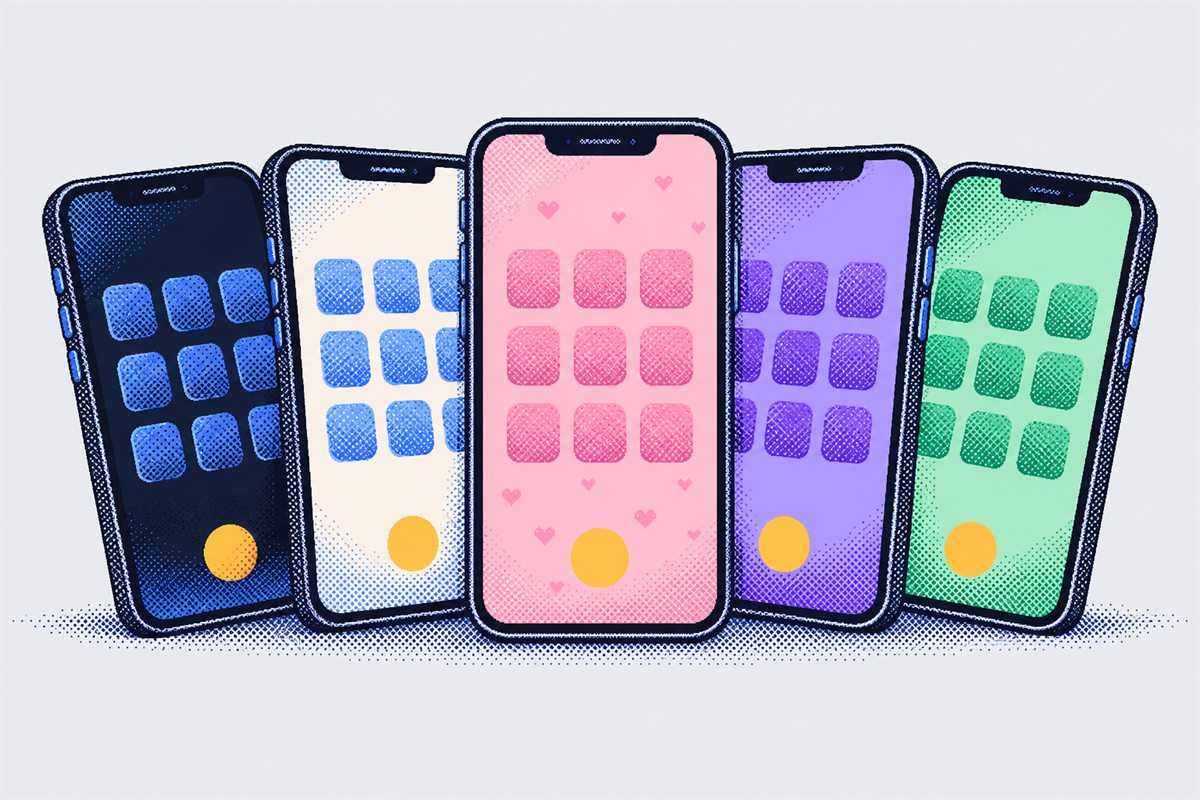
Make it yours
Your buttons, your layout, your colours.
Every screen is a layout you can change right on the phone. Move and resize anything, and give a button any key, shortcut, mouse action or macro.
- 1,900+ clean icons to pick from, or text and emoji
- Themes: Night, Light, Grape, Mint and a pink Bubblegum one
- Ready-made layouts: Remote, Keyboard (with the shared clipboard), PC, Gamepad and Controller
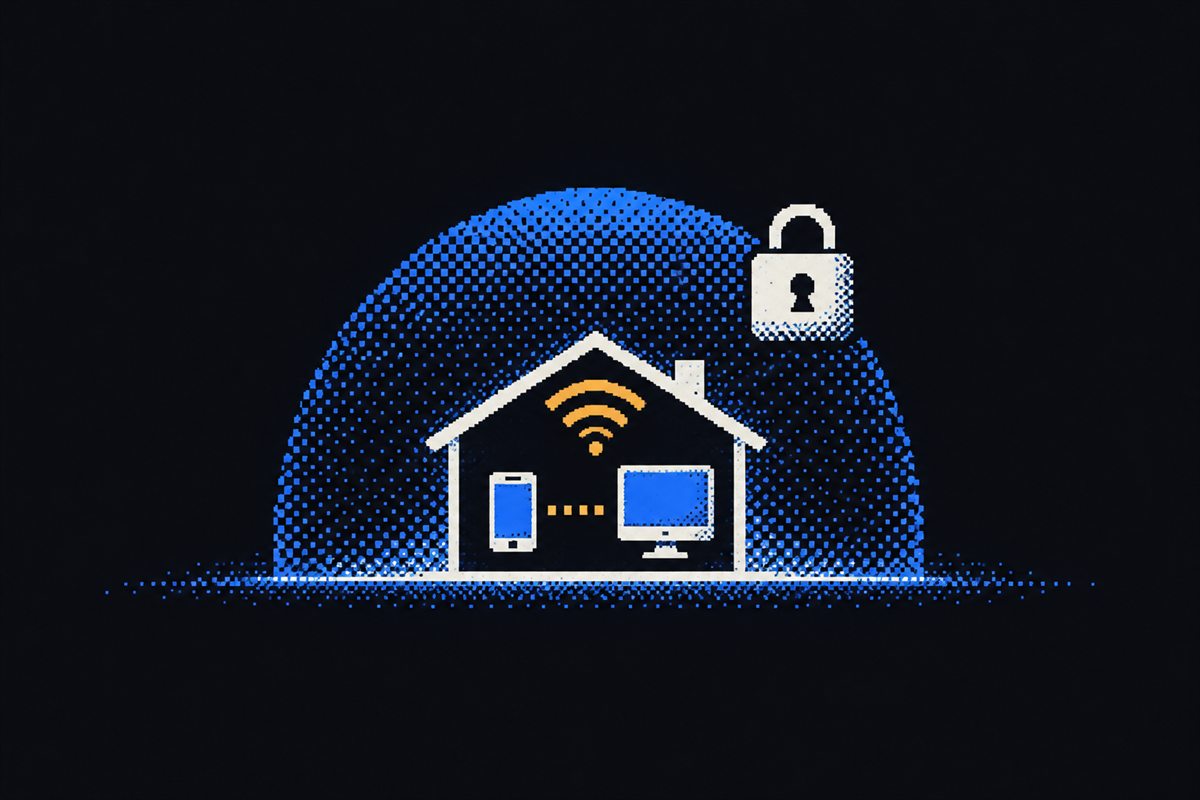
Private by design
It never leaves your home.
Your phone talks straight to your PC over your own network. No account to make, no server in between, nothing collected.
- Each PC makes its own access key; only phones that scanned it can connect
- No telemetry, no ads, no sign-in
- Open source: read every line on GitHub